AI headshot generator
Professional headshots from one photo
Add a photo of yourself, pick a look, and get a studio headshot in about 15 seconds. Your face stays exactly as it is; only the background, attire, framing, lighting and expression change.
Your first generation is free.
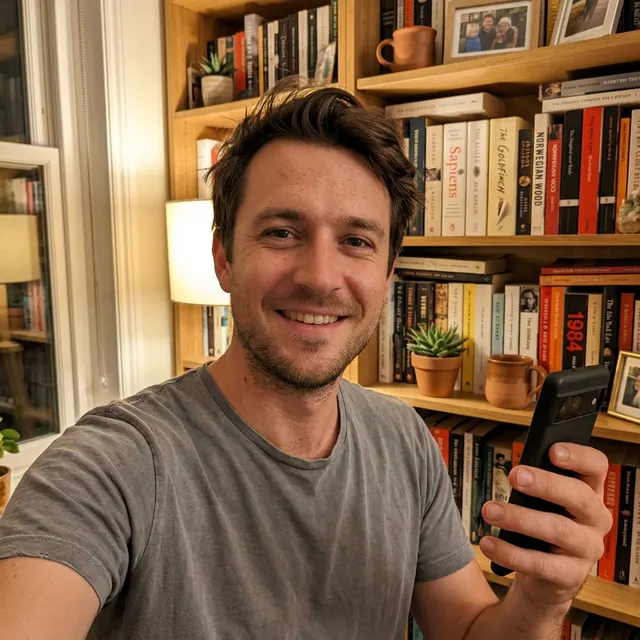
 Original photo
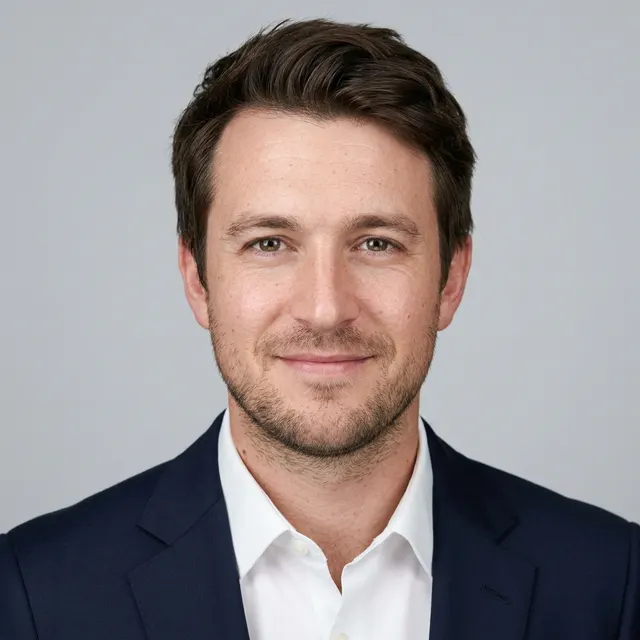
 Corporate
 LinkedIn
 Startup
 Executive
 Outdoor
 Creative
How does the AI headshot generator work?
Add one photo, pick a look, and generate. Each generation makes one headshot and takes roughly 10 to 20 seconds.
- 1. Add a photoAny clear, front-facing photo of you works, including a phone selfie. You crop it square in the browser before it uploads.
- 2. Pick a lookChoose one of the 6 ready-made looks, or build your own from background, attire, framing, lighting and expression.
- 3. Generate and downloadGet a new headshot each time. It lands in your private gallery, and downloads are free.
6 ready-made looks, or your own
Corporate, LinkedIn, Startup, Executive, Outdoor and Creative, each with its own background, attire and light. Switch between the two example people to see each look on a different face.
Corporate 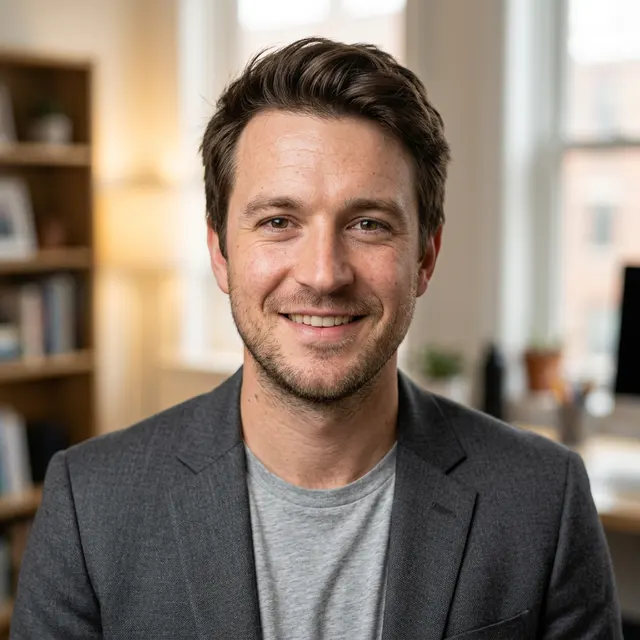
LinkedIn 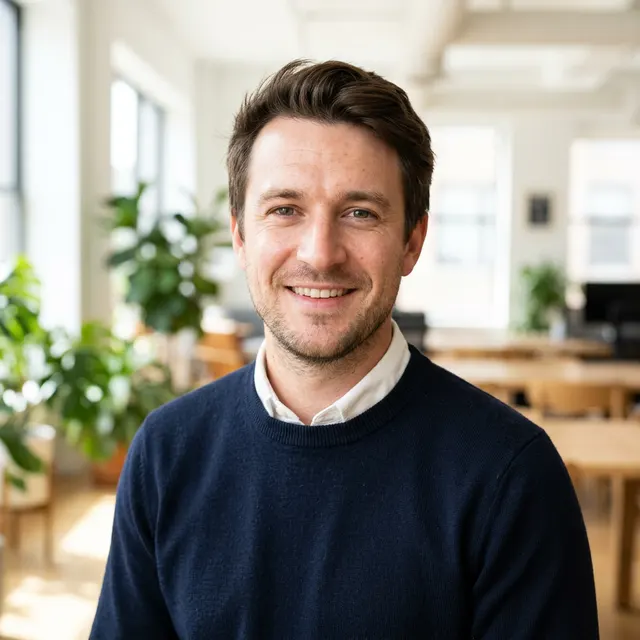
Startup 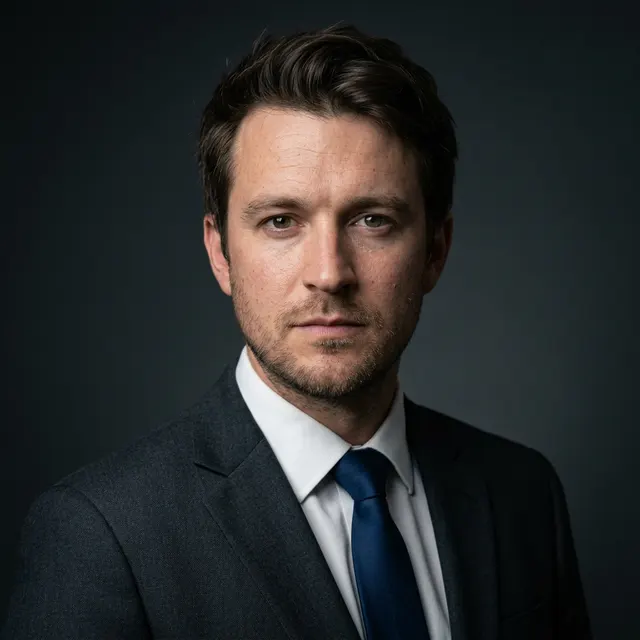
Executive 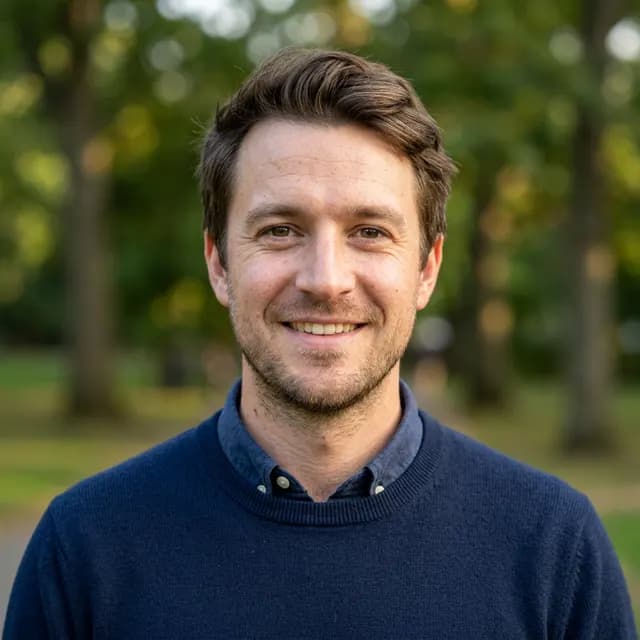
Outdoor 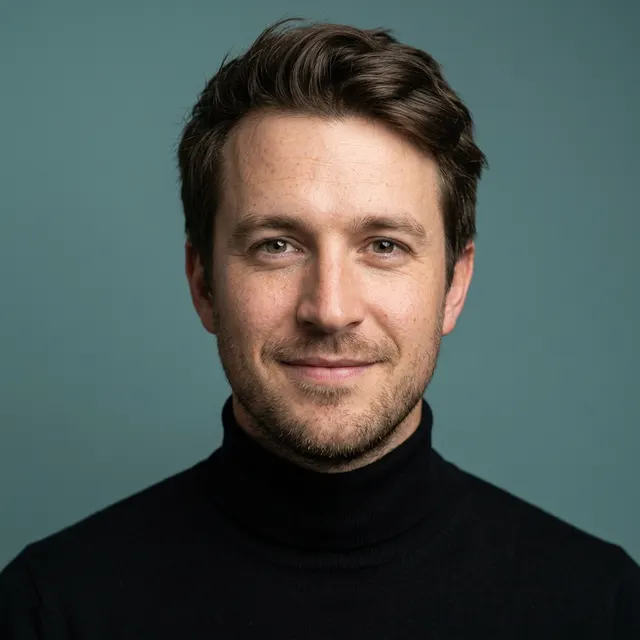
Creative
Both example people are AI-generated, not real. Every headshot shown was made from the original photo next to it.
Or build a custom look
Pick each part yourself and add a line of notes for anything else you want.
- Background
- Attire
- Framing
- Lighting
- Expression
- A line of notes
Will the headshots still look like me?
Yes. Your face stays exactly as it is in your photo. Only the background, attire, framing, lighting and expression change.
The point is a headshot of you, not a better-looking stranger, so the tool keeps your features and changes the studio around them. In your gallery you can hold any headshot to compare it with the photo it came from.
What photo should I use?
One clear photo of your face is enough. A phone photo is fine.
- Clear and in focus
- Facing the camera
- Well lit, with your face easy to see
- No sunglasses
- A phone photo or selfie works
- You crop it square in the browser before upload
Where do my headshots go?
Every headshot lands in a private gallery in your YoodaAI dashboard, where you can keep, compare and download them.
- FavoriteMark the ones you like so they are easy to find.
- DownloadDownload any headshot, as often as you like, for free.
- More like thisGet more headshots like one you already like.
- Compare with your photoHold a headshot to see the original photo it came from.
- DeleteRemove any headshot you don't want to keep.
How much do AI headshots cost?
Your first generation is free. After that, each generation is 5 credits for one headshot, and downloads are always free.
Monthly plans pay the same 5 credits per generation: headshots are not included free in Pro or Unlimited. Credits come from the same balance you use across YoodaAI.
See credit packs and plansCan I use a headshot on my resume?
Yes, if you want to. The YoodaAI resume builder can add one of your headshots as an optional profile photo.
The photo is off by default. Leave it off and your resume stays plain, ATS-friendly text; turn it on for applications where a photo is expected.
Open the ATS resume builderWho can see my photos?
Only you. Your photo and your headshots are stored privately for your account.
You can delete any headshot at any time, and deleting your account deletes all of them.
FAQ
Questions about AI headshots
Your next profile photo, from the photo you already have.
Add one photo, pick a look, and get a studio headshot in seconds. Your first generation is free.
Make my headshots